
Quick Start Guide
Start a cliick.
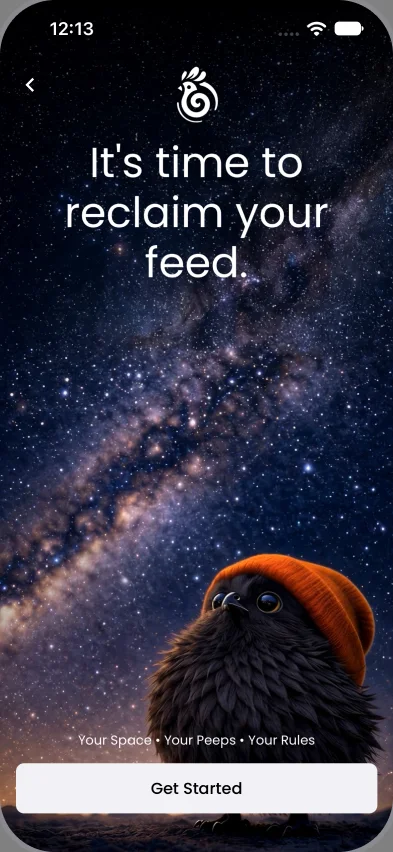
We’re glad you’re here. Everything you need is right here, one small step at a time.
Download Cliick, set up in a few taps, then start where you are.


Get started.
- Download Cliick. App Store or Google Play. Look for two i’s.
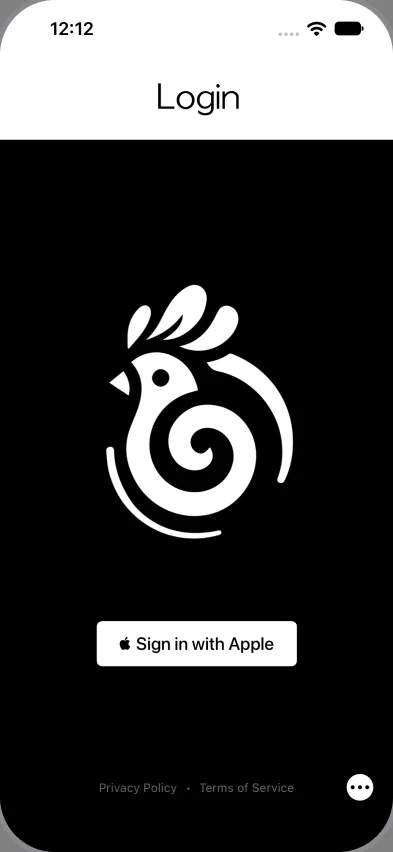
Got an invite? Tap your link first. - Sign in with Apple or Google. Then tap Get Started
No email. No phone number. No card details.
Step 3
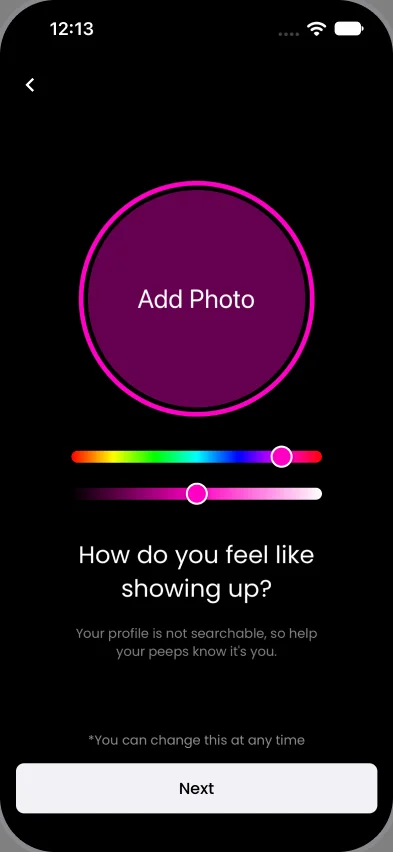
Add your name and photo.
Make it easy for your people to recognize you.
Step 4
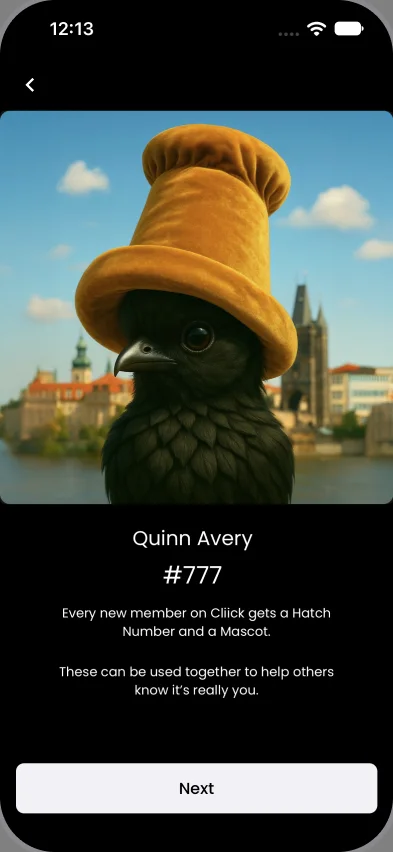
Meet Fluffy.
Our mascot. Plus your Hatch Number.
Steps 5 and 6
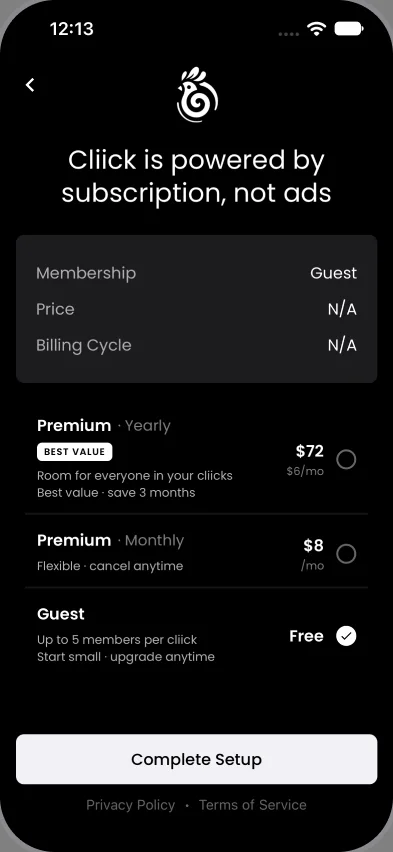
- Choose Guest or Member. Pick a plan, tap Complete Setup
Upgrade anytime. - Turn on notifications. See invites, posts and activity from people you actually know.
Start where you are.
Invited in?
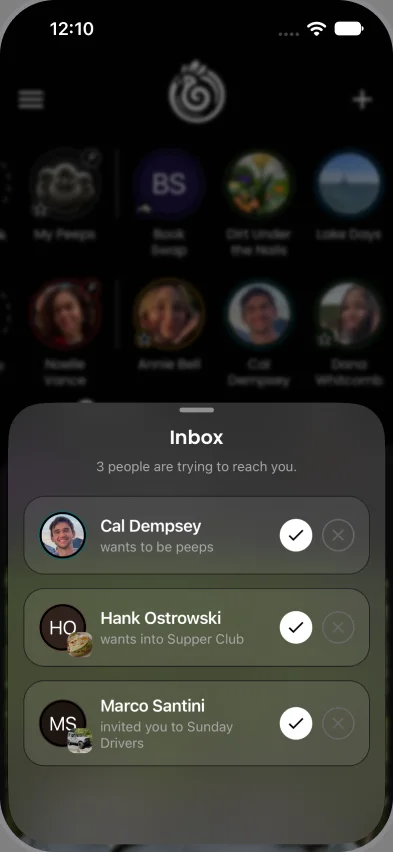
Open Cliick and see your people.
- Your cliick is waiting. “Join [cliick name].” Tap the check to join, or the X for not now.
- Every cliick has its own House Rules. Some let you right in. Others need the host’s OK.
- Make your first post. Say hello. Share a picture. Add a small moment from today.
- Start a cliick of your own. Tap the chicken logo, then New Cliick.
Got here from a link? Tap it again.
Found Cliick first?
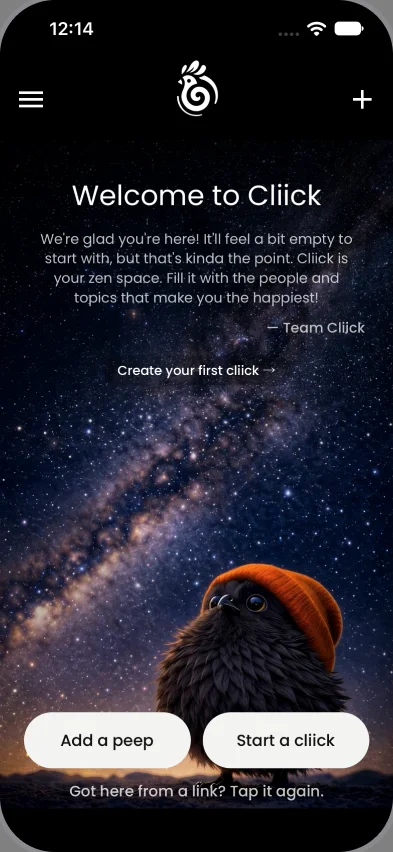
Empty on purpose. Cliick starts empty so you choose who and what fills it.
- Start a cliick. Tap Start a cliick and name it: Family, Besties, Pets.
- Make it yours. Your last vacation, your best friend’s birthday, your silly pet. Post one photo, a video, or a bunch.
Found Cliick first?
Invite your peeps.
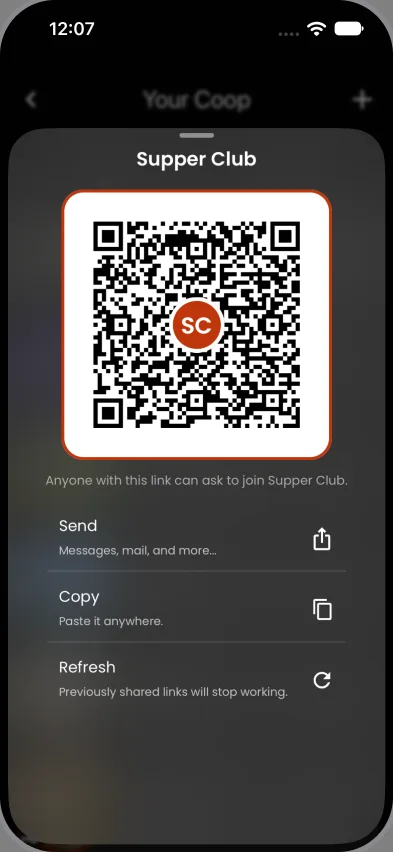
Press and hold the chicken logo for your QR code. Share it with your favorite people.
Start a few cliicks. Have fun with it.
Cliick grows naturally, one invite, one cliick at a time.